
Time your tap, make every tool stick and break the target before it breaks your streak.
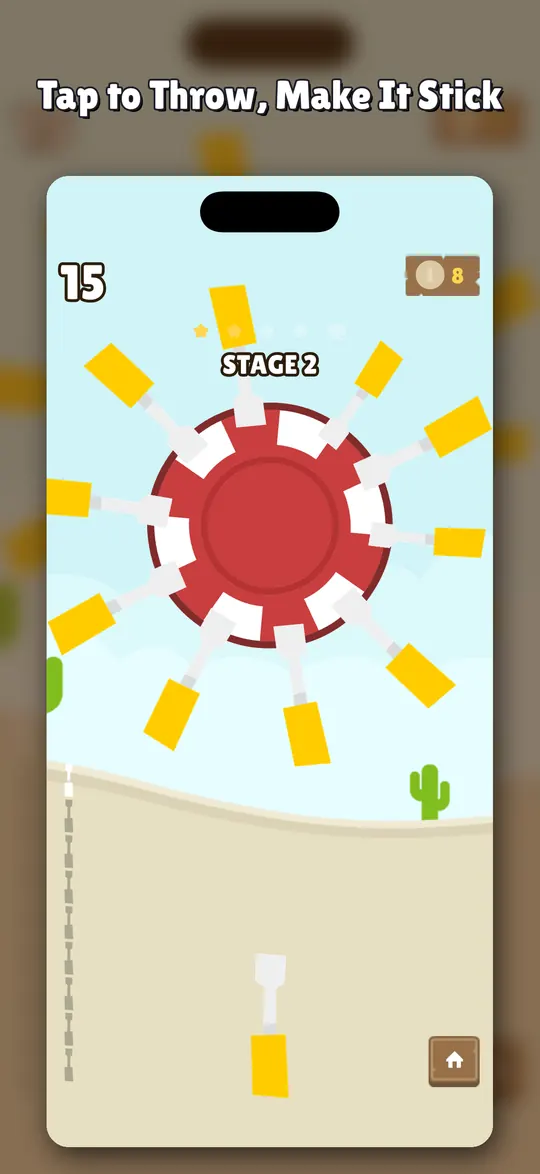
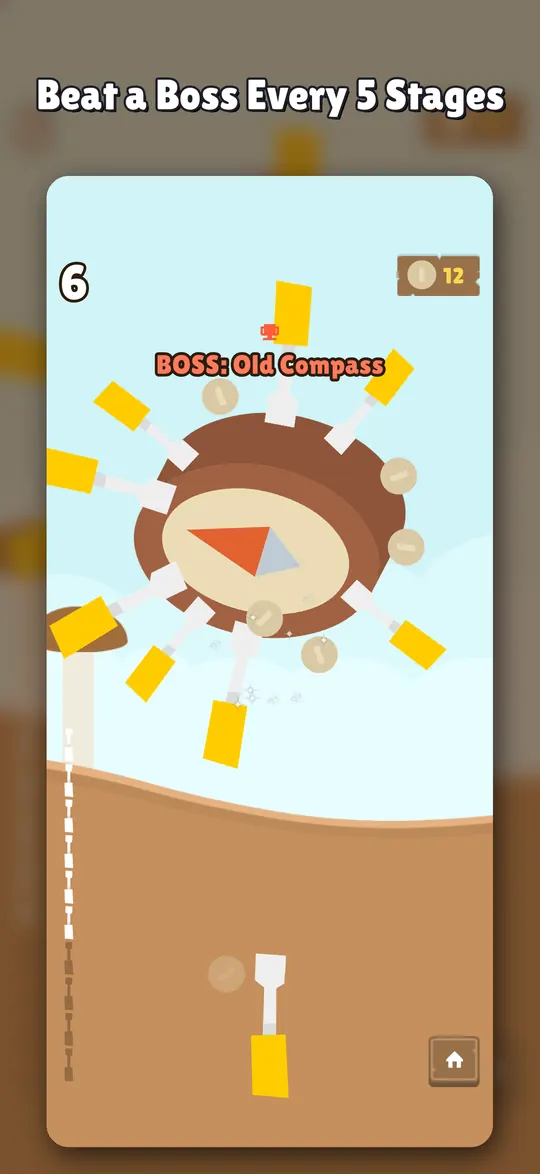
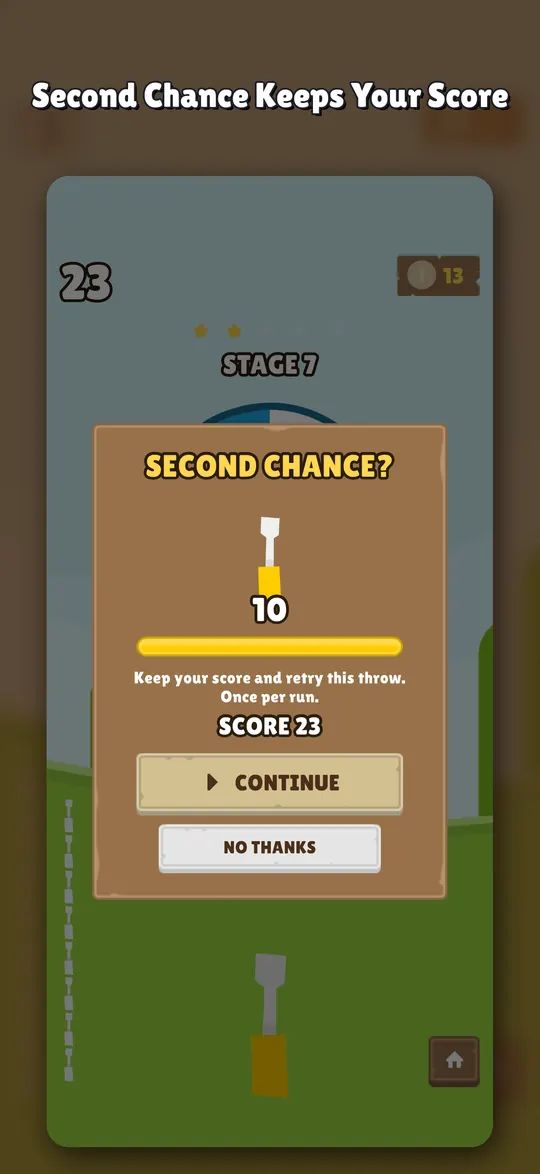
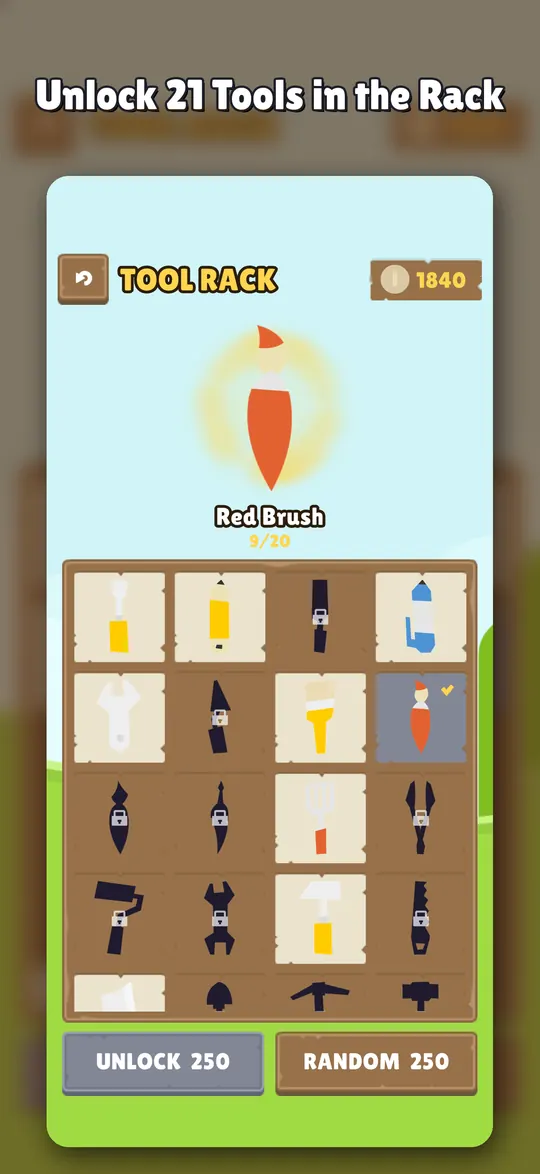
Short runs, big satisfaction. Everything plays offline.
Targets speed up, slow down and reverse. Some start with tools already stuck in them.
A tougher boss every fifth stage. Break it to unlock a brand-new tool.
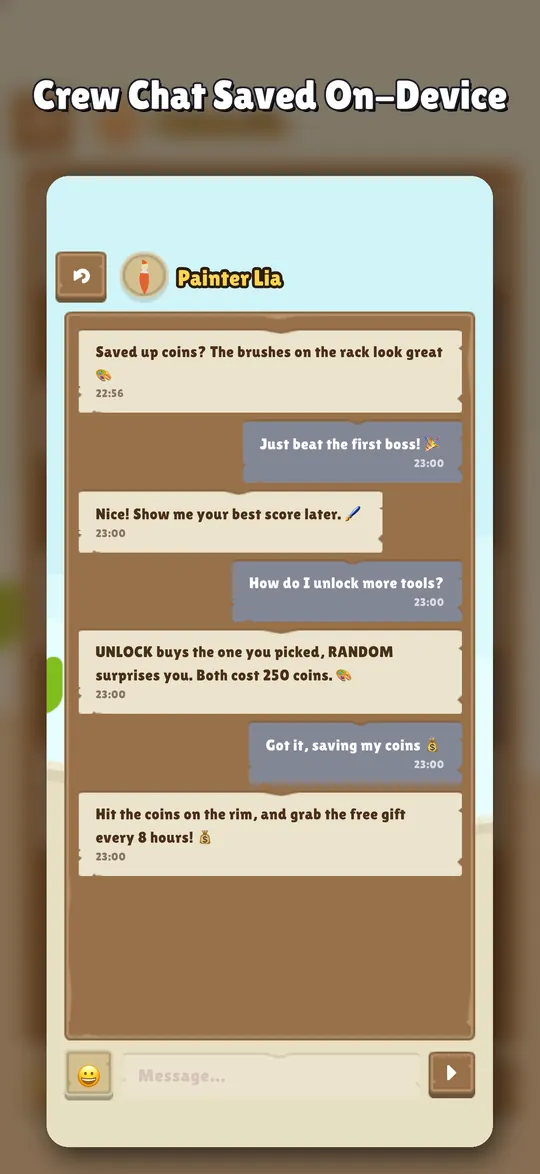
Hit rim coins, then unlock any tool in the Tool Rack or roll a random one.
Missed? Continue once per run and keep your score.
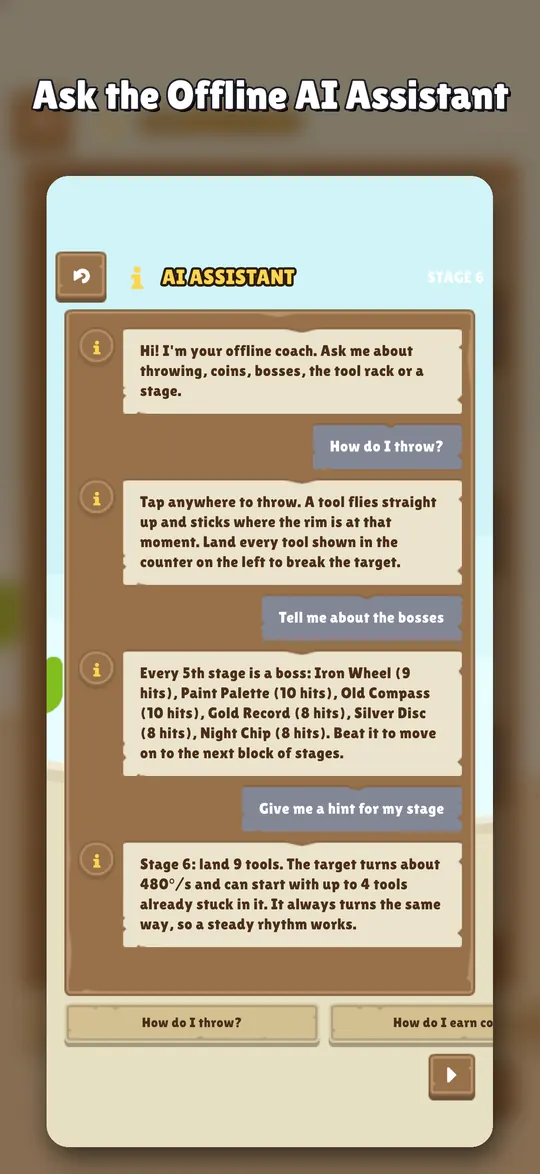
Ask about throwing, coins, bosses or your current stage. Runs on your device.
A captioned walkthrough of a full run, built right into the app.

Throw. Stick. Break.
Quick answers to common questions.
Tap anywhere to throw a tool at the spinning target. Land every tool shown in the counter to break the target and move on. If your tool hits one that is already stuck, the run ends.
Hit the coins on the target's rim during play, and collect the free coin gift on the home screen every 8 hours.
Open the Tool Rack. Spend 250 coins to unlock the tool you selected, or use Random to unlock a surprise. Beating a boss also unlocks a tool.
Once per run, after a miss, you can continue from the same stage and keep your score.
Watch the target turn once before you throw, and throw right after it changes direction. The in-app AI assistant gives hints for your current stage.
No. The game, the AI assistant and Crew Chat all work fully offline.
Open Settings (gear icon on the home screen) and choose Reset Progress. Deleting the app also removes all saved data.
Found a bug, have a question or want to share feedback? Write to us and include your device model, iOS version and what happened.
support@amberquill.comWe usually reply within 3 business days.